

Wi-Fi and Network Monitor for Windows
Your Windows network, clearly in view.
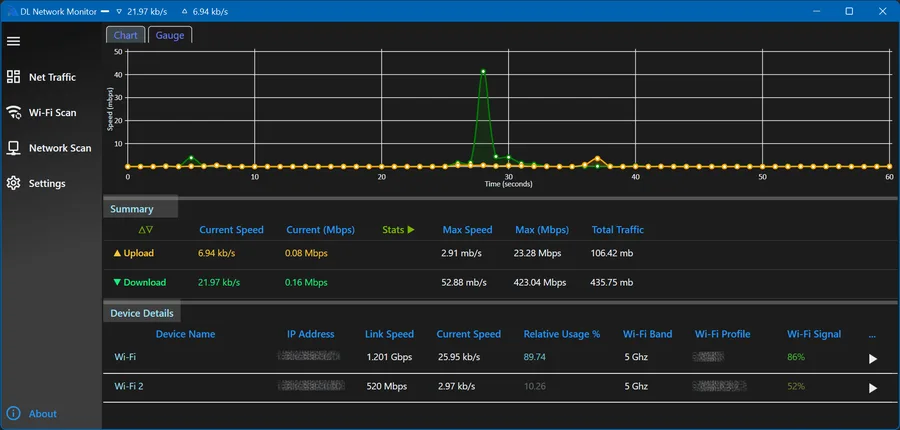
Wi-Fi and Network Monitor for Windows tracks a Windows PC’s network and Wi-Fi traffic in real time: bandwidth per adapter, Wi-Fi and LAN link speed, and local network scanning, all in one lightweight app. It’s the predecessor to Network Pulse and remains the currently available version for Windows.
Windows: available now
Built for your everyday
A closer look at what it can do.
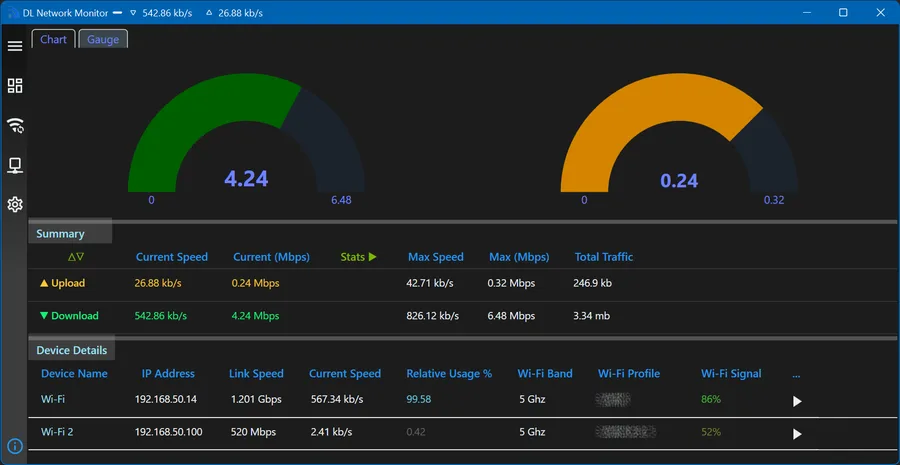
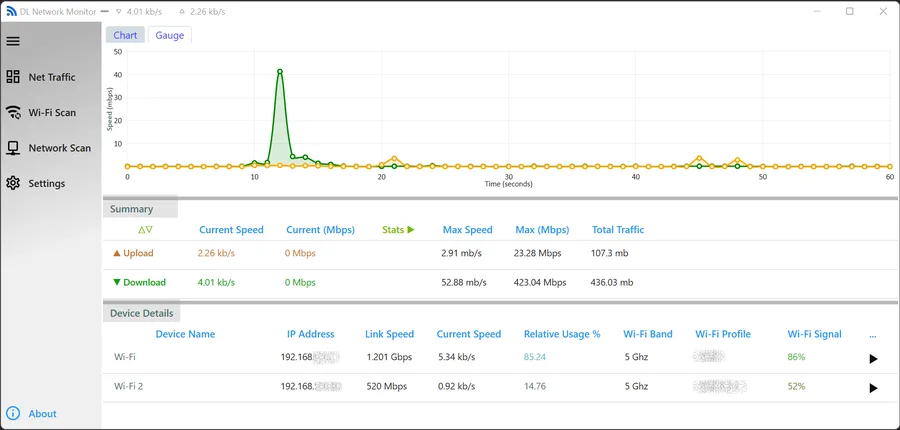
Real-time download/upload bandwidth per network adapter, in chart or gauge view
Wi-Fi and LAN link speed, with max/total traffic stats and a live taskbar speed indicator
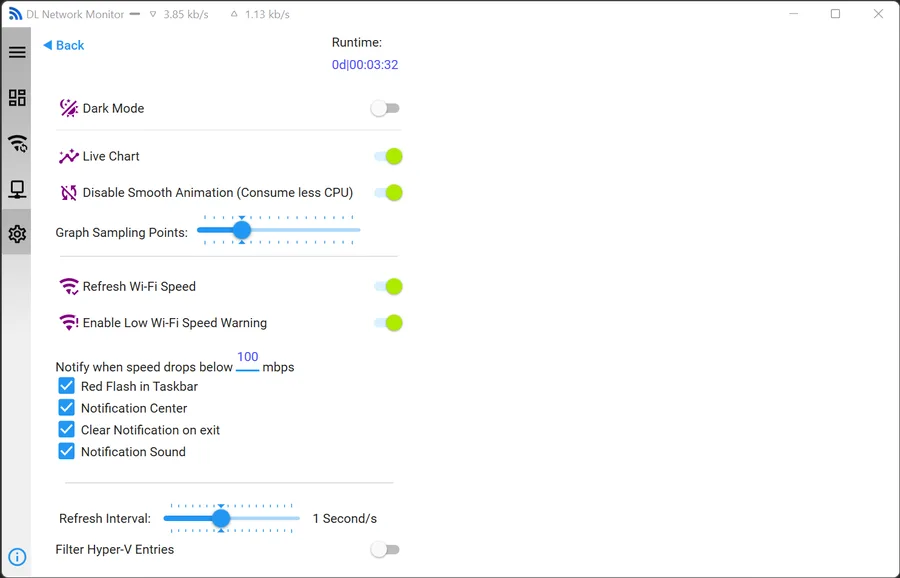
Low-speed notifications: taskbar flash, notification center, and sound, with a configurable threshold
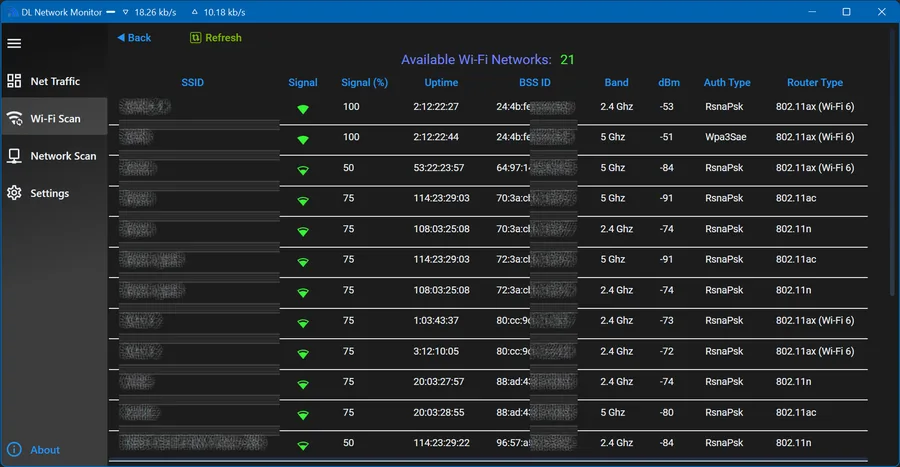
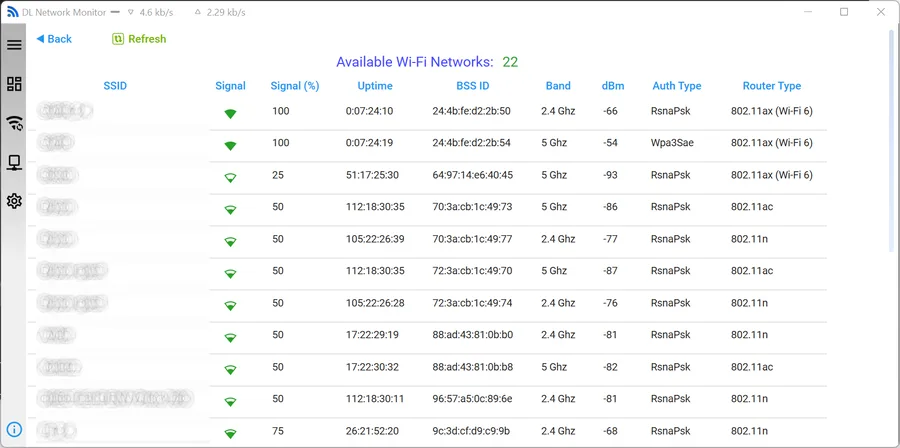
Wi-Fi Scan: nearby networks with signal, band, auth type, and router type
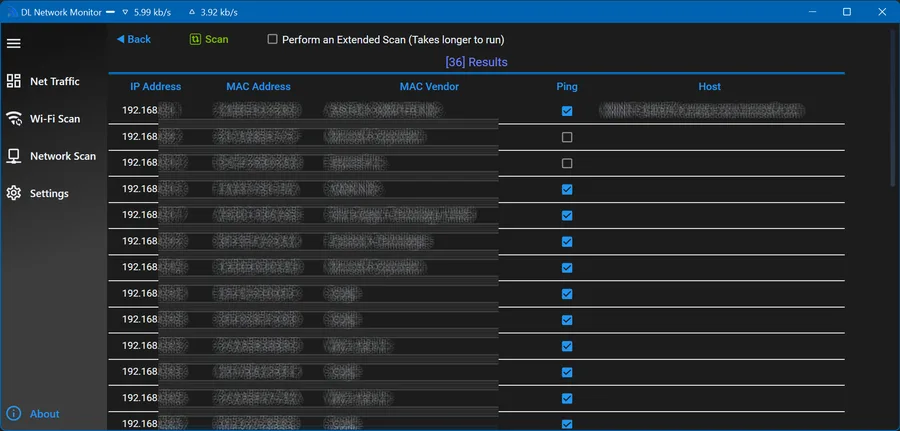
Network Scan: discover local devices by IP, MAC address, and vendor
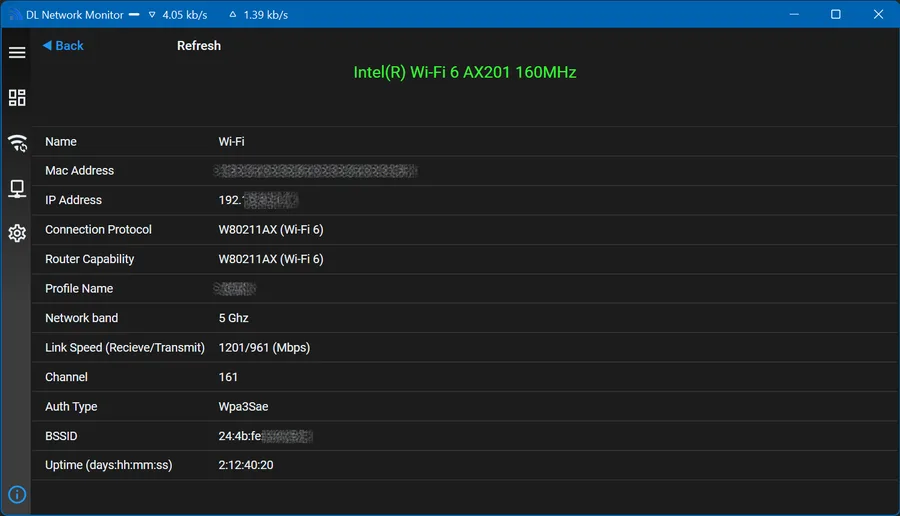
Adapter details: MAC/IP, protocol, channel, auth type, and uptime
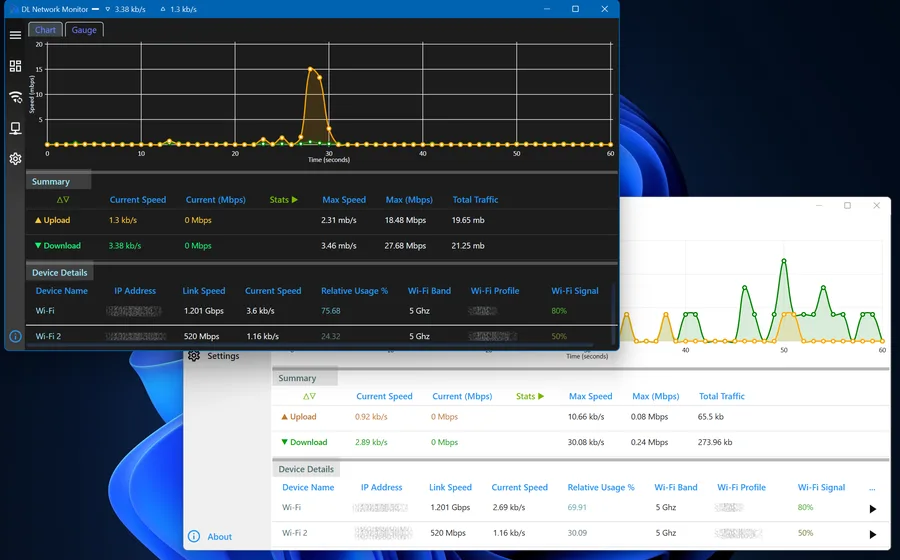
Light and dark themes, with a compact dockable overlay window
See it in action
Less imagining. More exploring.
Select a screenshot for a closer look.
View 2 more screenshotsShow fewer screenshots
Your next step
Try Wi-Fi and Network Monitor for Windows.
A Wi-Fi monitor and local network scanner for Windows, predecessor to Network Pulse.
 Network Pulse
 MaXplorer
 DriveWing